Cherry AI guide

AI girlfriend image ideas on Cherry AI

Use Cherry AI image generators and prompt ideas to shape AI girlfriend portraits, avatars, moods, outfits, and scene references.
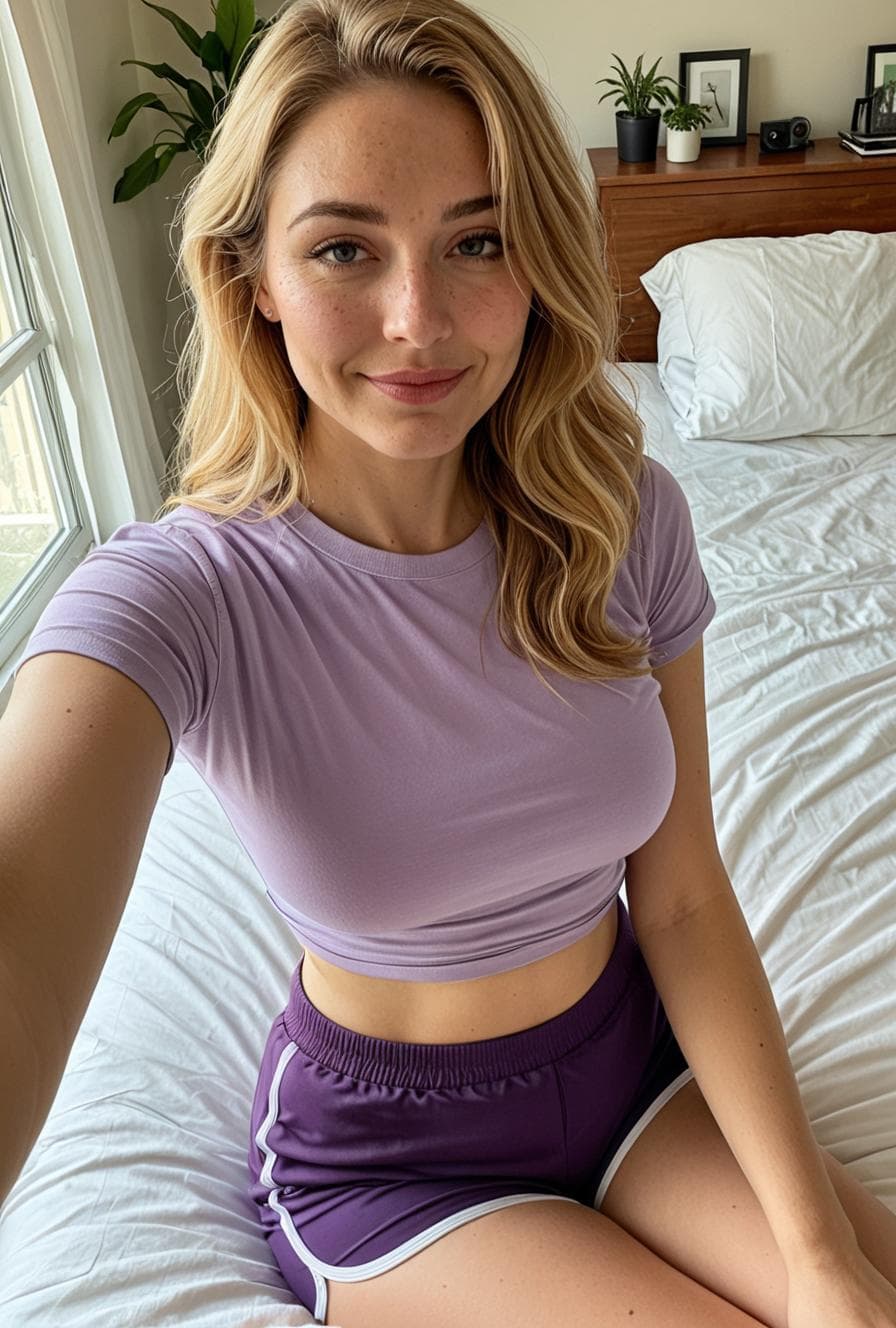
Photorealistic AI portrait from the Cherry AI public image feed
A photorealistic portrait style for image and video creation pages.

Quick answer

  • AI girlfriend image ideas can help define a companion concept before or after a chat starts.
  • Use Visuals for portraits, avatars, outfits, moods, and scene references, while keeping chat prompts focused on personality and tone.
  • When product flows are separate, describe the connection as inspiration or visual direction instead of promising one automatic handoff.
Steps

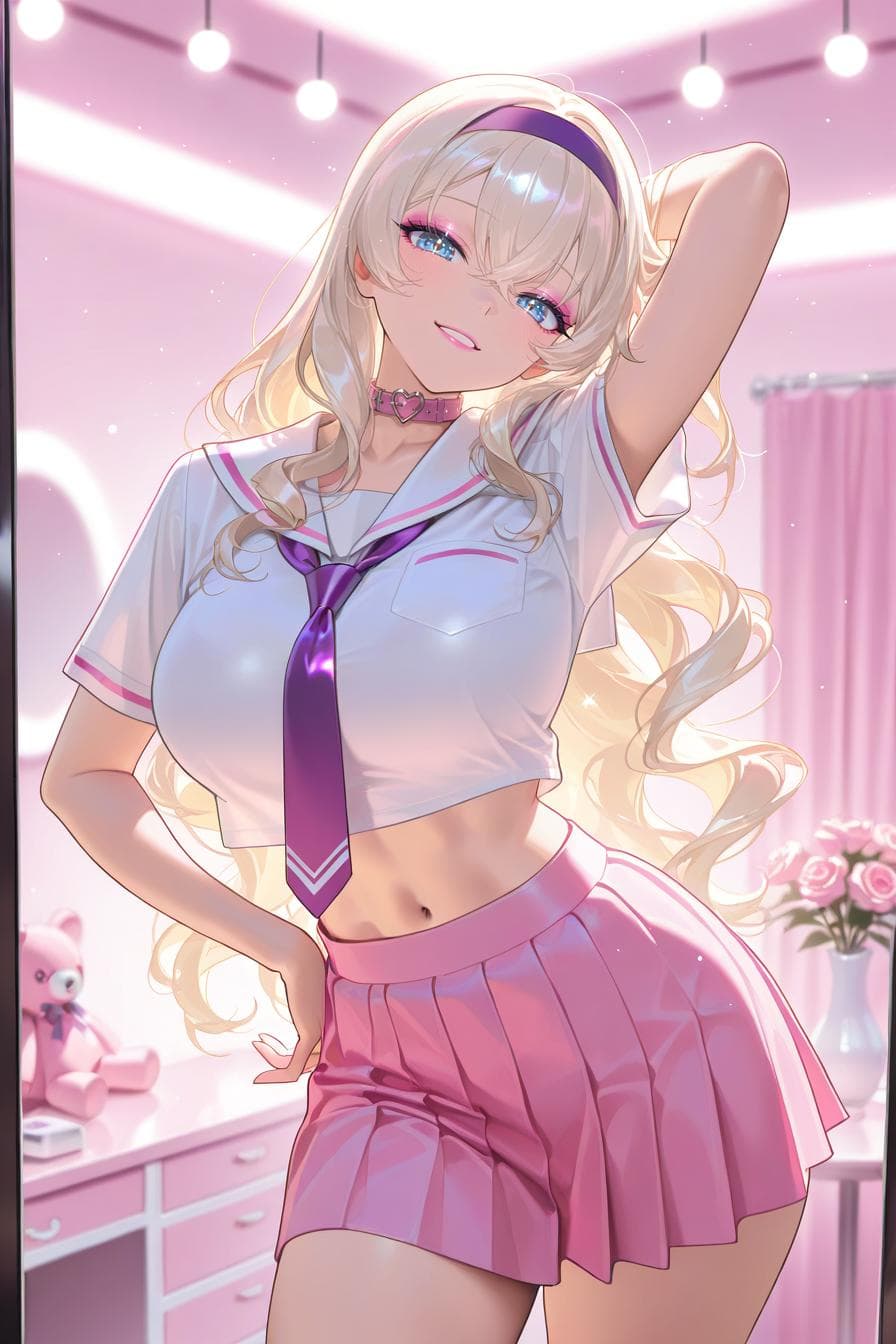
Anime-style AI character from the Cherry AI public image feed

Step 1

Start with the companion concept

Before opening Visuals on Cherry AI, decide what the image should clarify about the companion.

  • Pick one goal: portrait, avatar, outfit, room, fantasy scene, realistic reference, or anime-inspired style.
  • Keep permanent visual traits separate from the one-off mood or background.
  • Use the AI girlfriend page when the main goal is finding or chatting with a relationship-style companion.
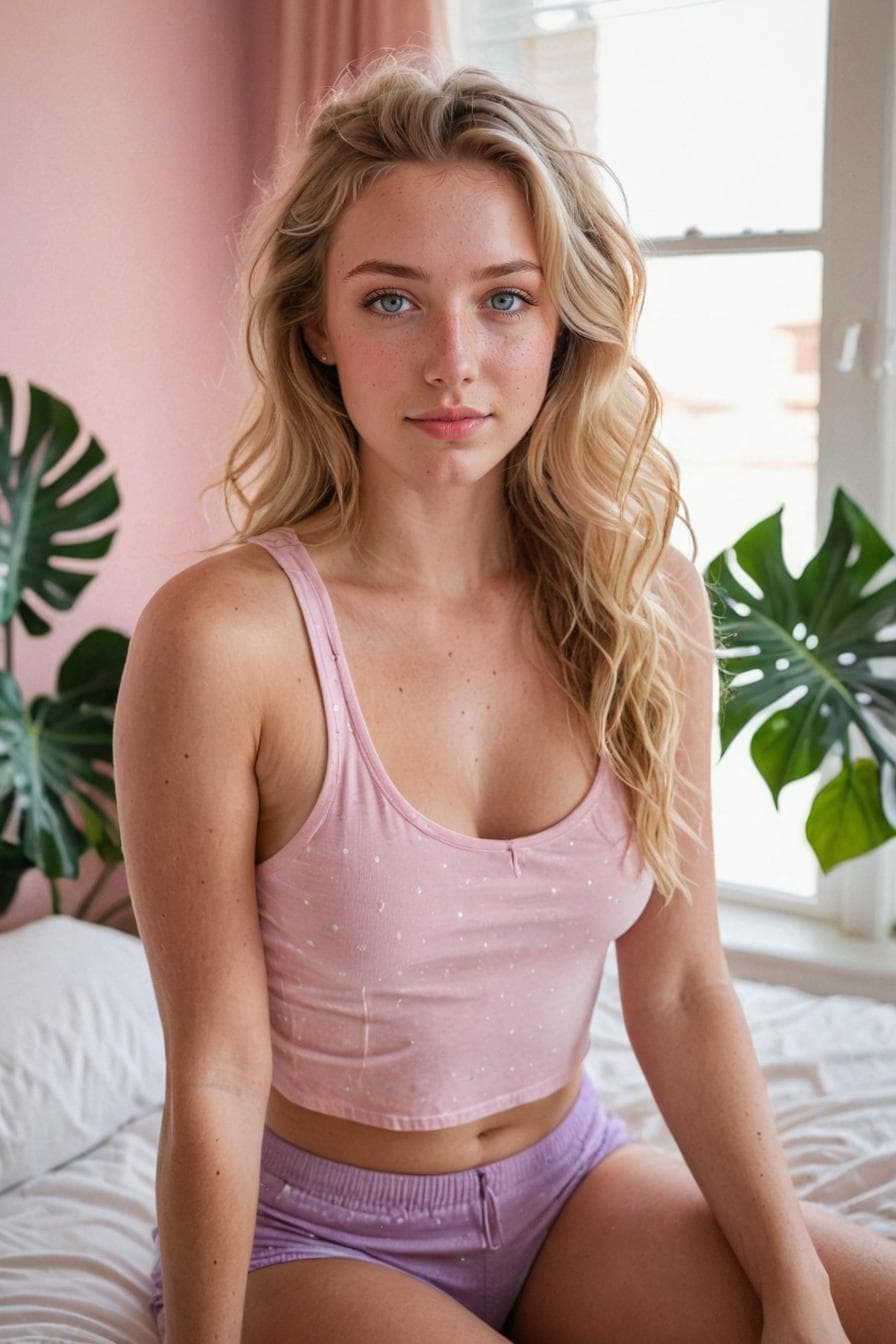
Realistic AI character portrait from the Cherry AI public image feed

Step 2

Write image prompts for visual direction

Image prompts should describe what the viewer should see, not how the chat should behave.

  • Start with subject, style, scene, lighting, and mood.
  • Add character details like hair, outfit, expression, and pose only when they matter to the concept.
  • Avoid mixing long chat instructions into the image prompt; save tone and personality for the companion setup.
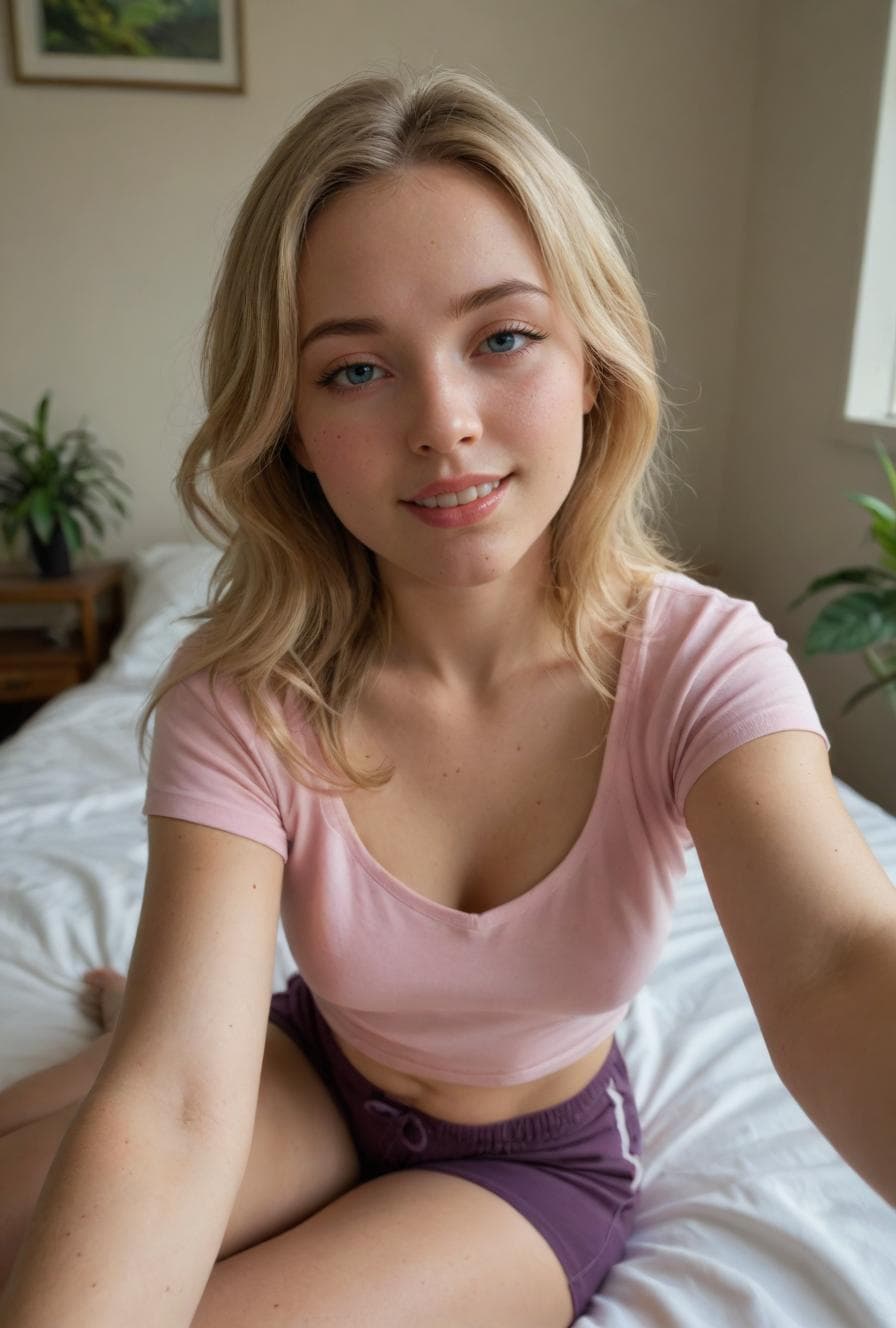
Casual AI portrait from the Cherry AI public image feed

Step 3

Use the image as inspiration

A visual idea can make the character feel clearer, even when the chat and image surfaces stay separate.

  • Use a favorite image to refine the companion description, greeting, or roleplay setting.
  • Try realistic and anime-inspired variations when the style direction is still unclear.
  • Link back to resources and pricing before running a long image-creation session.

FAQ

Can images help create an AI girlfriend companion?

Yes. A portrait or scene can clarify the character concept, but the companion profile and greeting still need to define personality, tone, and chat direction.

What should an AI girlfriend image prompt include?

Include subject, style, mood, setting, lighting, and any stable visual traits. Keep chat behavior and relationship tone in the companion prompt.

Should I start with chat or images?

Start with chat when personality matters most. Start with images when the visual style or character look is the clearest part of the idea.