AI girlfriend chat

Meet AI girlfriend-style companions on Cherry AI

Cherry AI gives visitors a clearer path into AI girlfriend-style companion discovery: browse character styles, start a chat, guide the tone, and use visuals for portrait and scene ideas.

  • AI girlfriend-style companion discovery
  • Natural chat, tone, and scenario prompts
  • Visuals for avatars and scene ideas
  • Privacy, plan, and resource links nearby
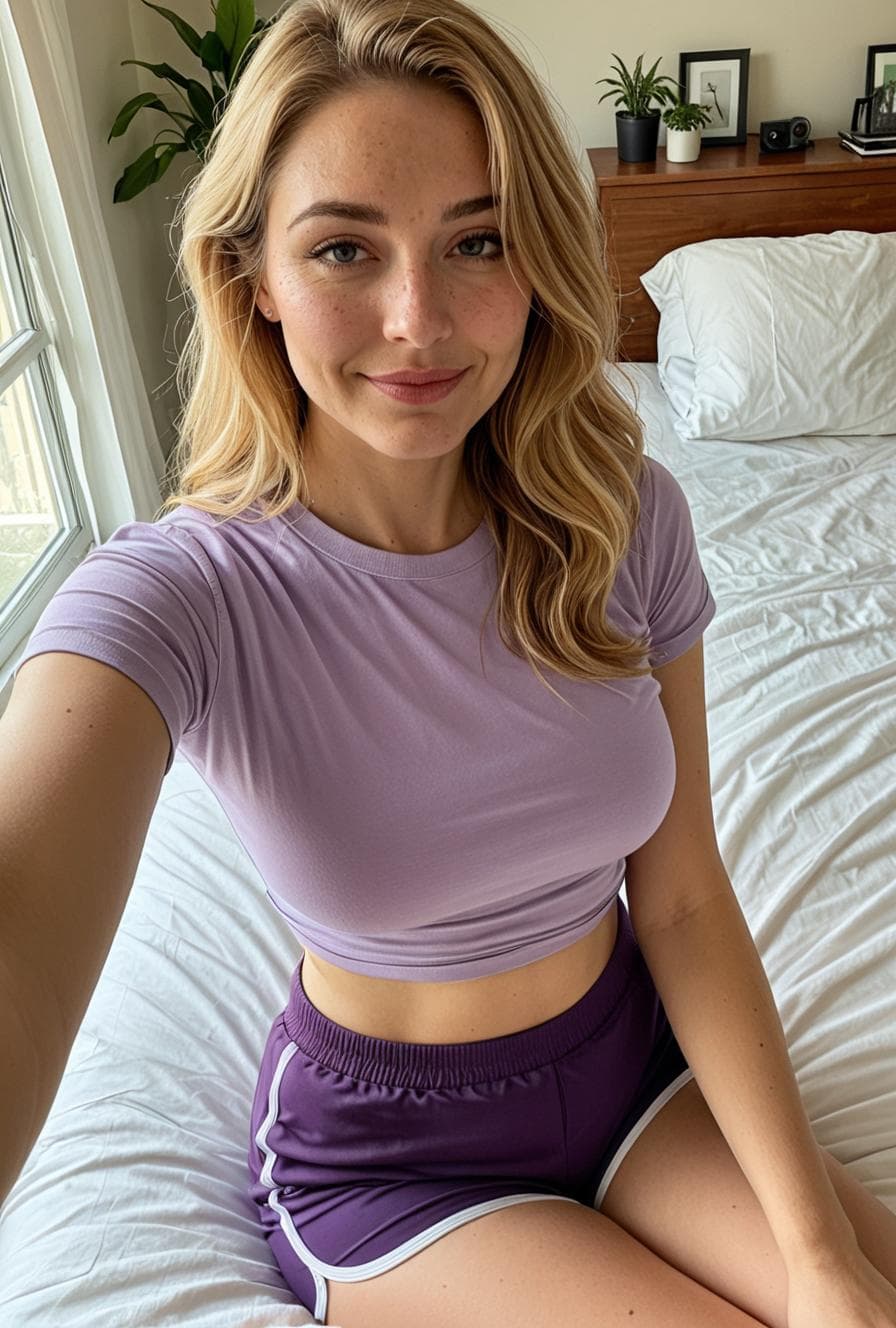
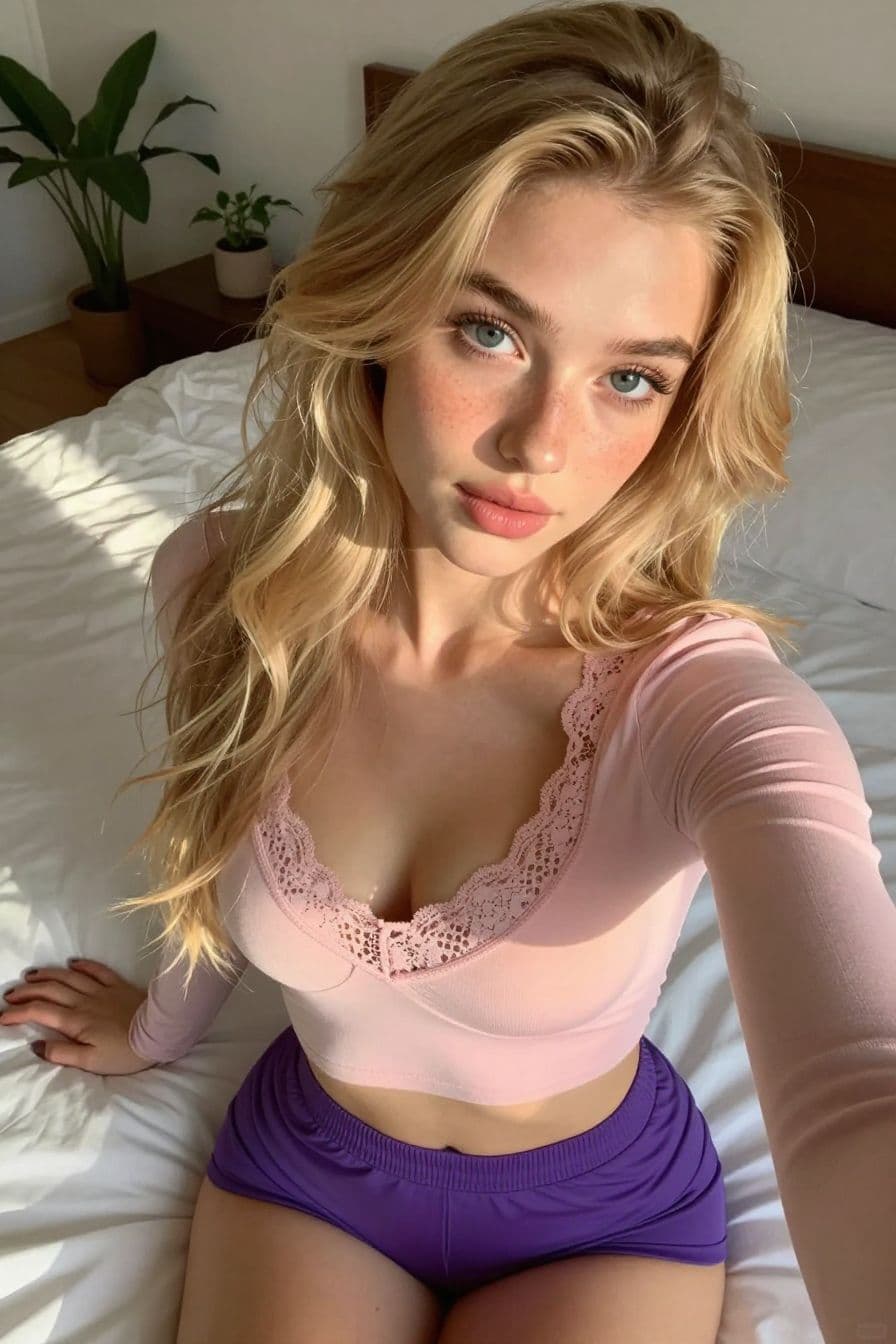
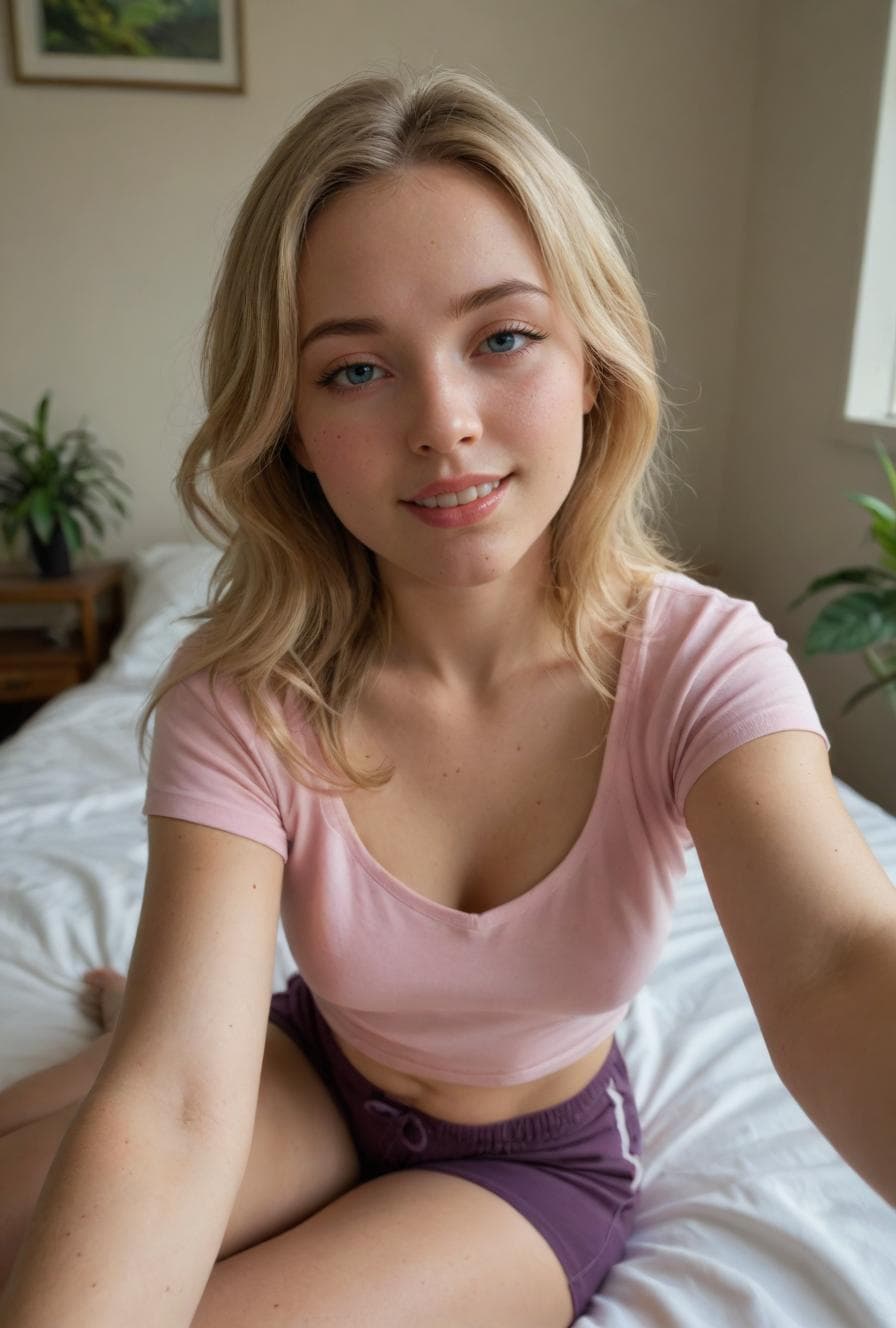
Photorealistic AI portrait from the Cherry AI public image feed
A photorealistic portrait style for image and video creation pages.

Choose a girlfriend-style companion

Browse girlfriend-style companions

Start from the kind of character, mood, or relationship-style conversation you want before opening a chat.

Guide tone and personality

Use plain language to set the tone, redirect the conversation, or describe the scenario you want to explore.

Pair chat with visual ideas

Visuals can support portraits, avatars, outfits, settings, and prompt ideas around a character concept.

How to start

Choose the girlfriend style first

Cherry AI treats AI girlfriend search intent as companion discovery first: choose the style of character, tone, and scenario before opening a chat.

  • Romantic

    A warmer style for visitors who want relationship-style greetings, affectionate tone, or everyday check-ins.

  • Caring

    A softer companion direction for supportive conversation, slower pacing, and gentle redirection.

  • Flirty

    A lighter, playful tone that still stays anchored in user-guided character chat and scenario prompts.

  • Shy

    A quieter companion style where users can guide the pace and build the conversation gradually.

  • Confident

    A more direct character style for users who want a stronger personality and clearer conversation energy.

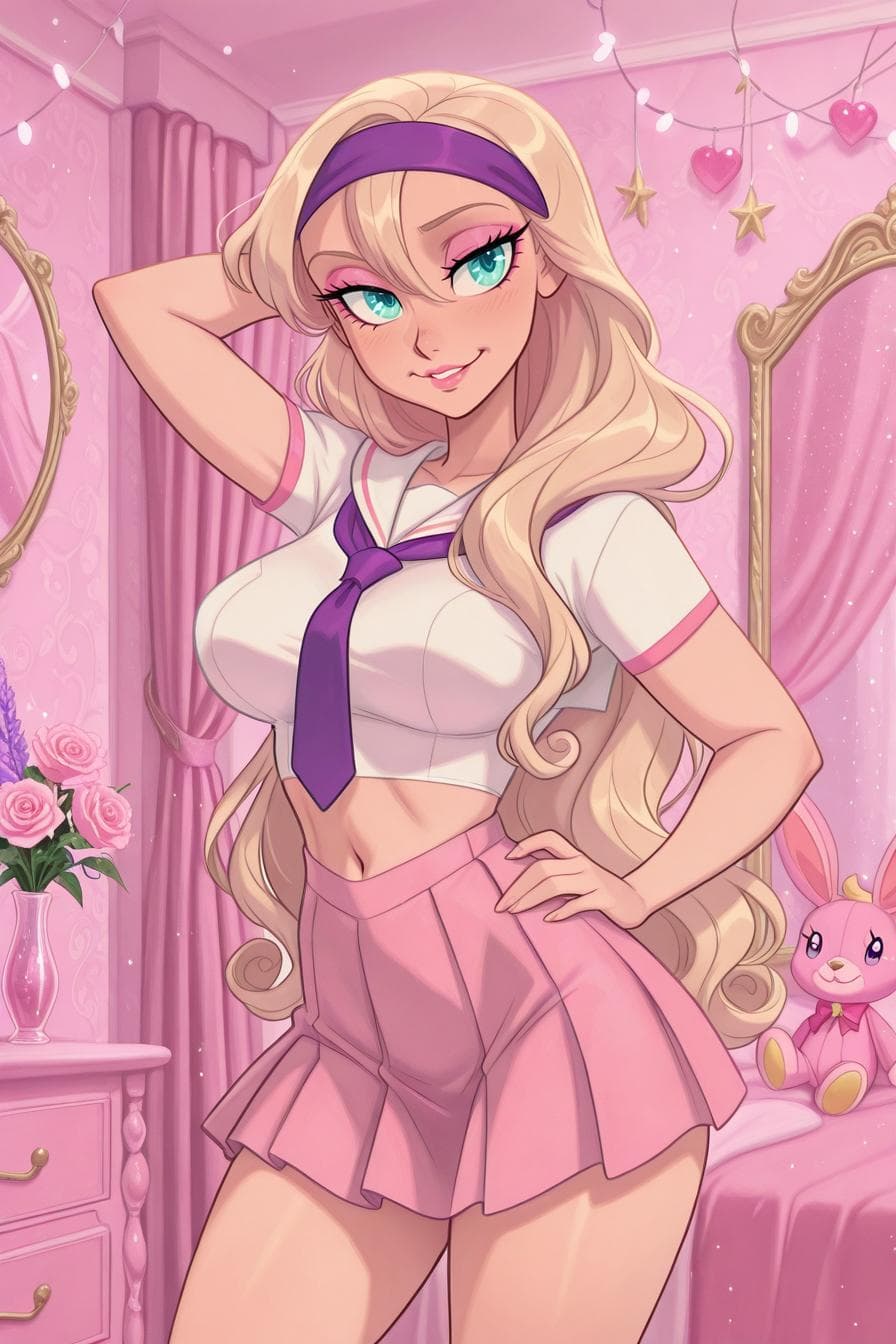
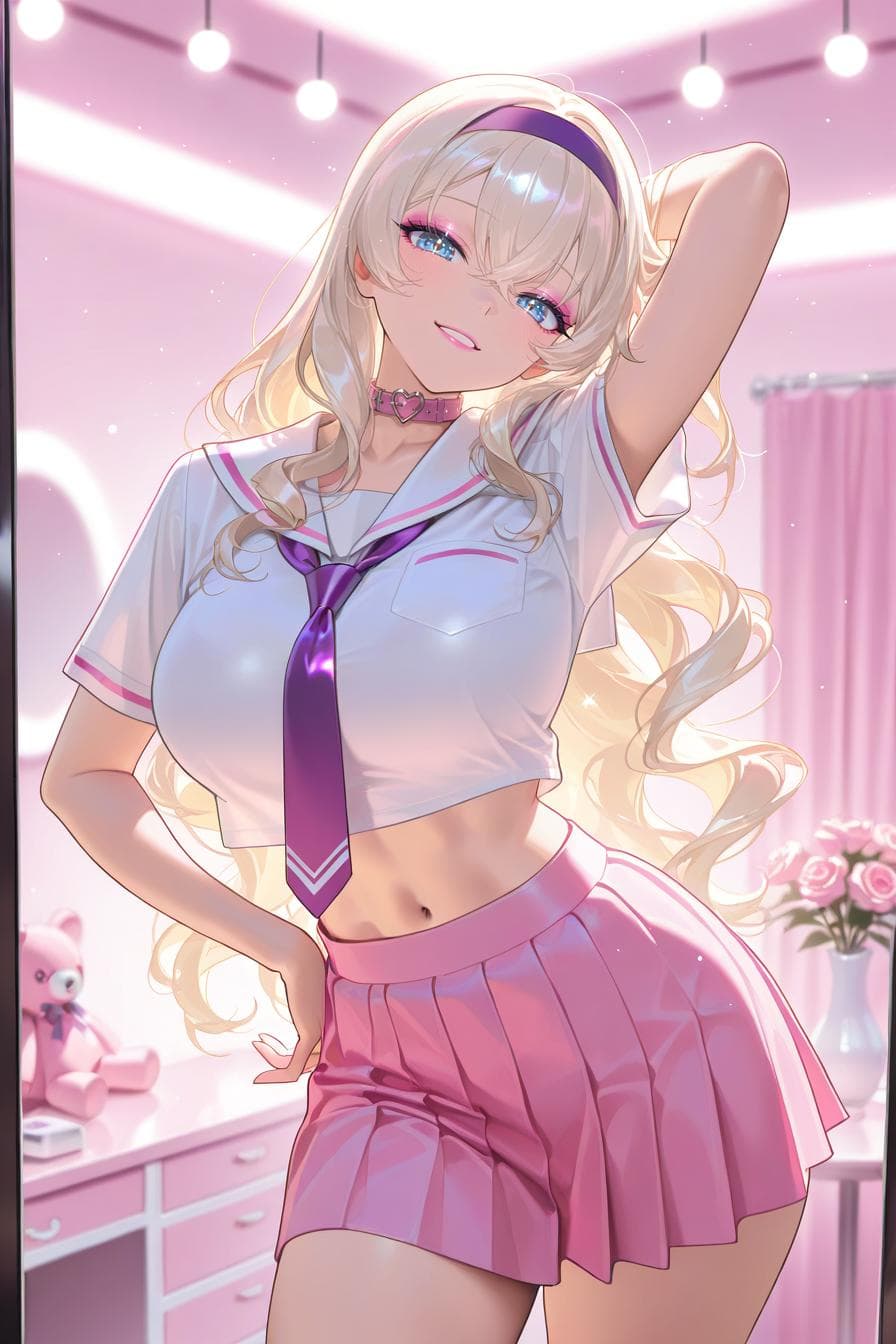
  • Anime-inspired

    A style path for users who want illustrated character concepts, expressive looks, or anime-inspired scene ideas.

  • Realistic

    A grounded visual and chat direction for users who want more natural portraits, scenes, or conversation setups.

  • Roleplay-ready

    A scenario-first path where the character, setting, and relationship dynamic matter as much as the first message.
How to start an AI girlfriend chat

Search visitors need a clear first path, not only a definition. The page explains how to move from discovery into a more specific chat or visual concept.

  • Browse companion styles

    Start from the mood, look, personality, or scenario that best matches the kind of interaction you want.

  • Choose a conversation goal

    Decide whether the first chat should be romantic, supportive, playful, roleplay-driven, or image-led.

  • Send a clear first message

    Plain-language prompts work best when they name the tone, setting, relationship dynamic, or scene direction.

  • Redirect when needed

    If the chat moves away from the intended style, clarify the tone, restate the scenario, or choose another companion path.

  • Use Visuals for character ideas

    Visual creation can support portraits, avatars, outfits, locations, and prompt references around the companion concept.

How Visuals support AI girlfriend ideas

Visual creation should support the companion concept without overstating product integration. Use it for portraits, avatars, scenes, and prompt inspiration around the chat idea.

  • Start with the companion concept

    Choose the mood, personality, style, and scenario first so visual prompts have a clear direction.

  • Use Visuals for portraits and scenes

    Create avatar ideas, outfits, settings, and mood references that help make the relationship-style character feel more specific.

  • Bring the visual idea back to chat

    Use the portrait or scene direction as context for greetings, first messages, roleplay setup, or tone adjustments.

  • Keep expectations clear

    Treat visual output as character inspiration and verify current product flows before assuming every chat and image action is part of one combined workflow.

Trust, privacy, and account context

Cherry pages keep companion discovery close to public resources, privacy information, legal information, and plan review.

  • Review privacy and terms

    Public policy links are included so visitors can check account and service rules before signing up.

  • Keep boundaries clear

    The page describes AI-generated companion discovery and avoids unsupported claims about real people or guaranteed outcomes.

  • Compare plans

    Pricing stays linked because access, limits, and creation options can depend on the current plan.

  • Use resources for help

    The resources page gives users a stable place to find support and product information.

Styles and visual ideas

AI girlfriend FAQ

What is an AI girlfriend on Cherry AI?

It is a relationship-style companion experience built around character discovery, natural-language chat, roleplay prompts, and optional visual ideas for portraits or scenes.

Is Cherry AI free to start?

Visitors can start from public discovery surfaces and review available account or plan options before deciding how far they want to continue.

Can I choose a personality or style?

Users can start from the companion style they want, then guide tone, mood, relationship dynamic, and scene direction through plain-language prompts.

Can I change the conversation direction?

Yes. If a chat moves away from the intended tone or scenario, users can clarify, redirect, or start from a different companion style.

Can I create images for AI girlfriend ideas?

Visuals gives users a dedicated path to explore character portraits, avatars, scene references, and visual prompt ideas.

How is this different from a generic chatbot?

The page focuses on character discovery and relationship-style conversation rather than one-off question answering. The chat can be shaped by personality, tone, and scenario prompts.

Can I use this for AI roleplay?

Yes. AI girlfriend-style chats can overlap with roleplay when users define a setting, relationship dynamic, character goal, or ongoing scene.

Can I create my own companion?

The companion creation guide explains how to think through character concepts, avatars, profiles, and greetings before starting a more personalized experience.

Does this support realistic or anime-inspired ideas?

The page supports both realistic and anime-inspired discovery paths by linking companion chat with visuals for portraits, styles, and scene concepts.

Where should I start first?

Start by browsing companion styles, choose the type of conversation you want, send a clear first message, and then use visuals or resources if you need image ideas or product context.

Related resources

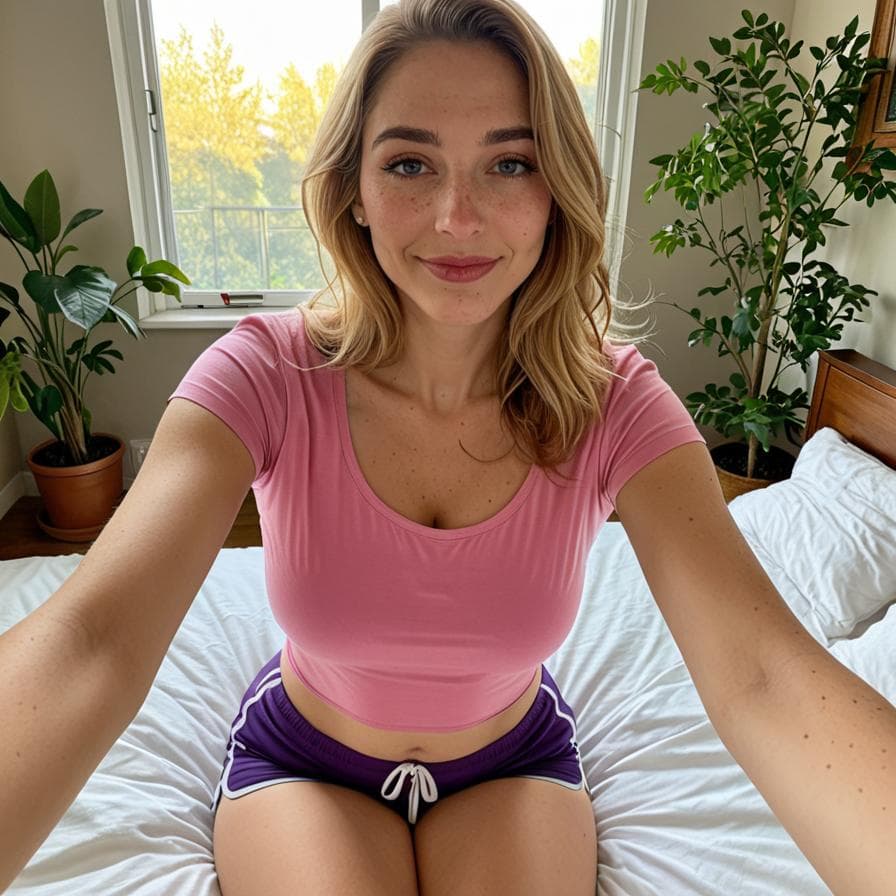
Realistic AI companion portrait from the Cherry AI public image feed
A realistic portrait style for companion and visual examples.

Trust and legal

Start with Cherry AI

Move from the landing page into companion discovery, image creation, or plan review.