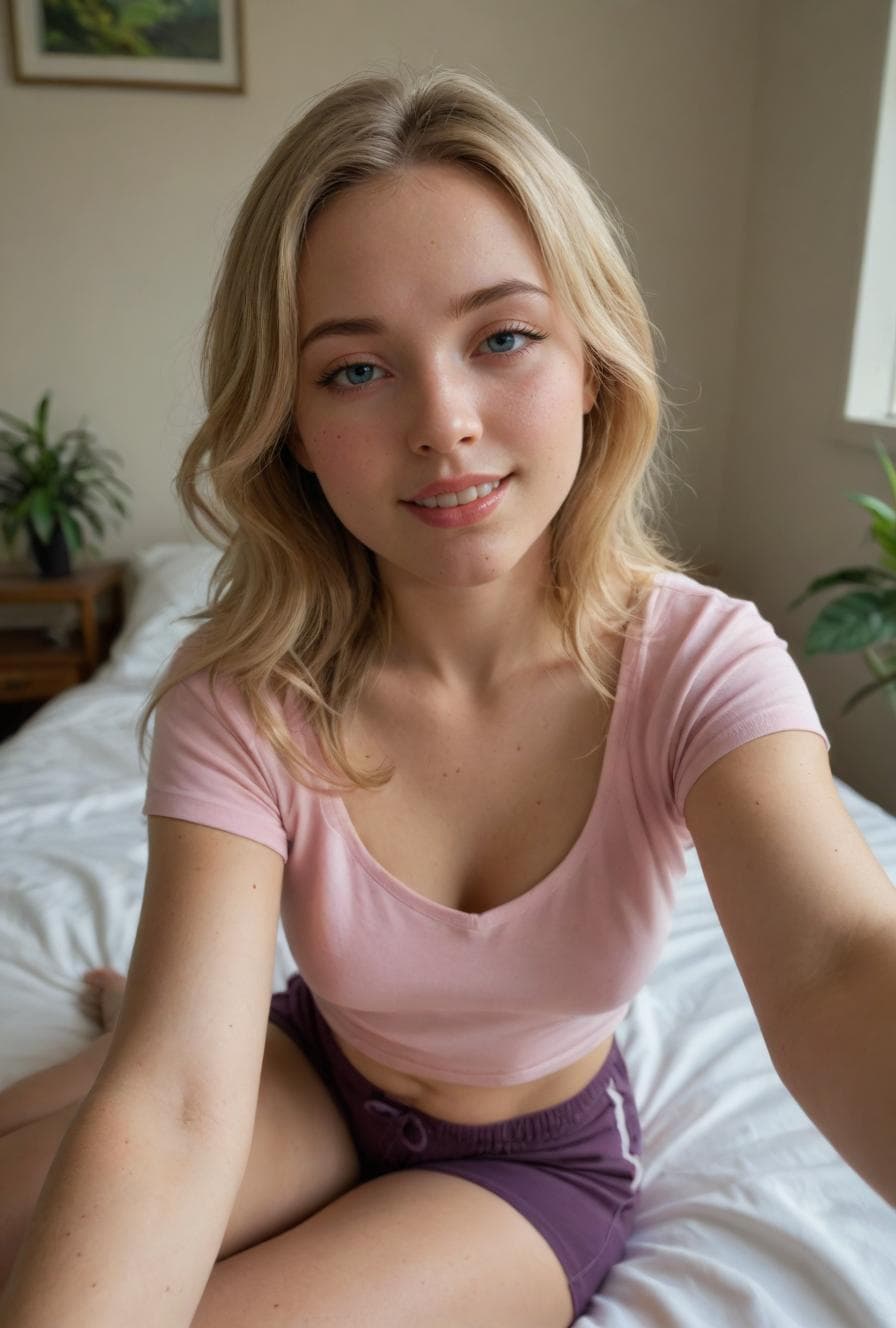
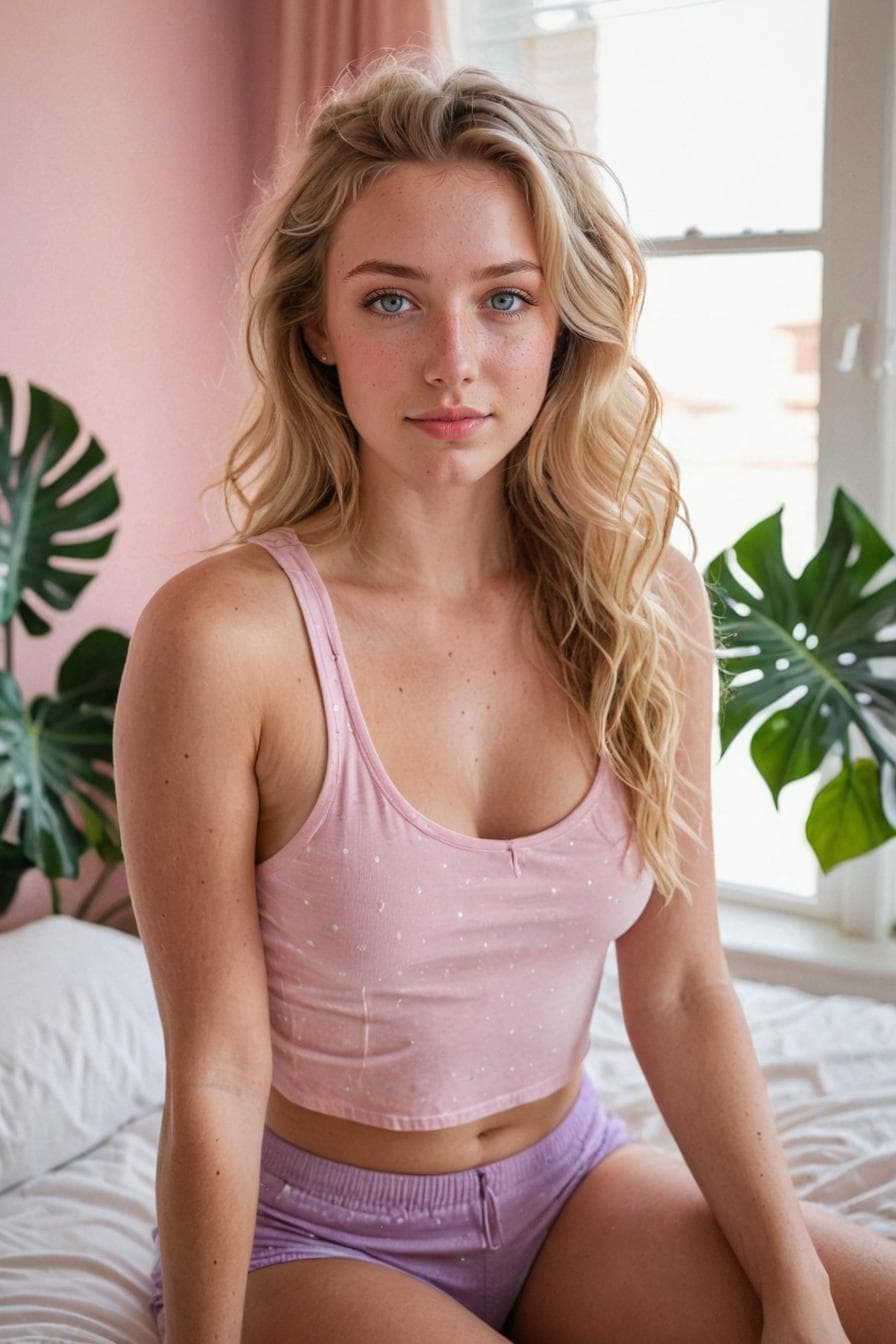
Cherry AI curated generator

AI character portrait generator on Cherry AI

Use Cherry AI character portrait generators to plan avatars, profile images, companion concepts, and expressive close-up artwork before creating more.
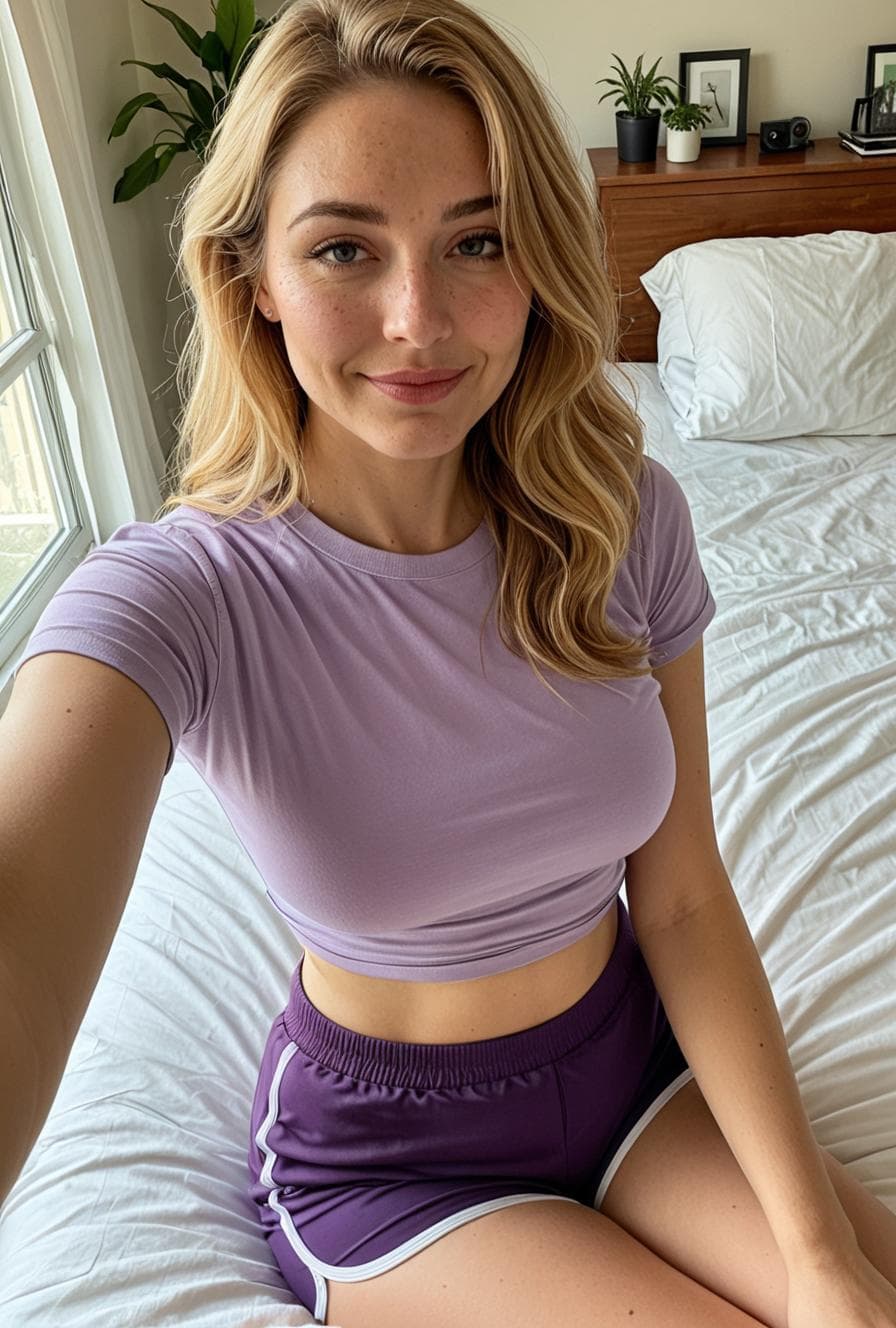
Casual AI portrait from the Cherry AI public image feed
A casual portrait example for companion and visual prompt pages.

Best for

  • Best for avatars, profile concepts, and expressive character close-ups.
  • Start with subject, face detail, mood, lighting, and visual style.
  • Use the main image generator grid when you are ready to create or iterate.
Prompt examples

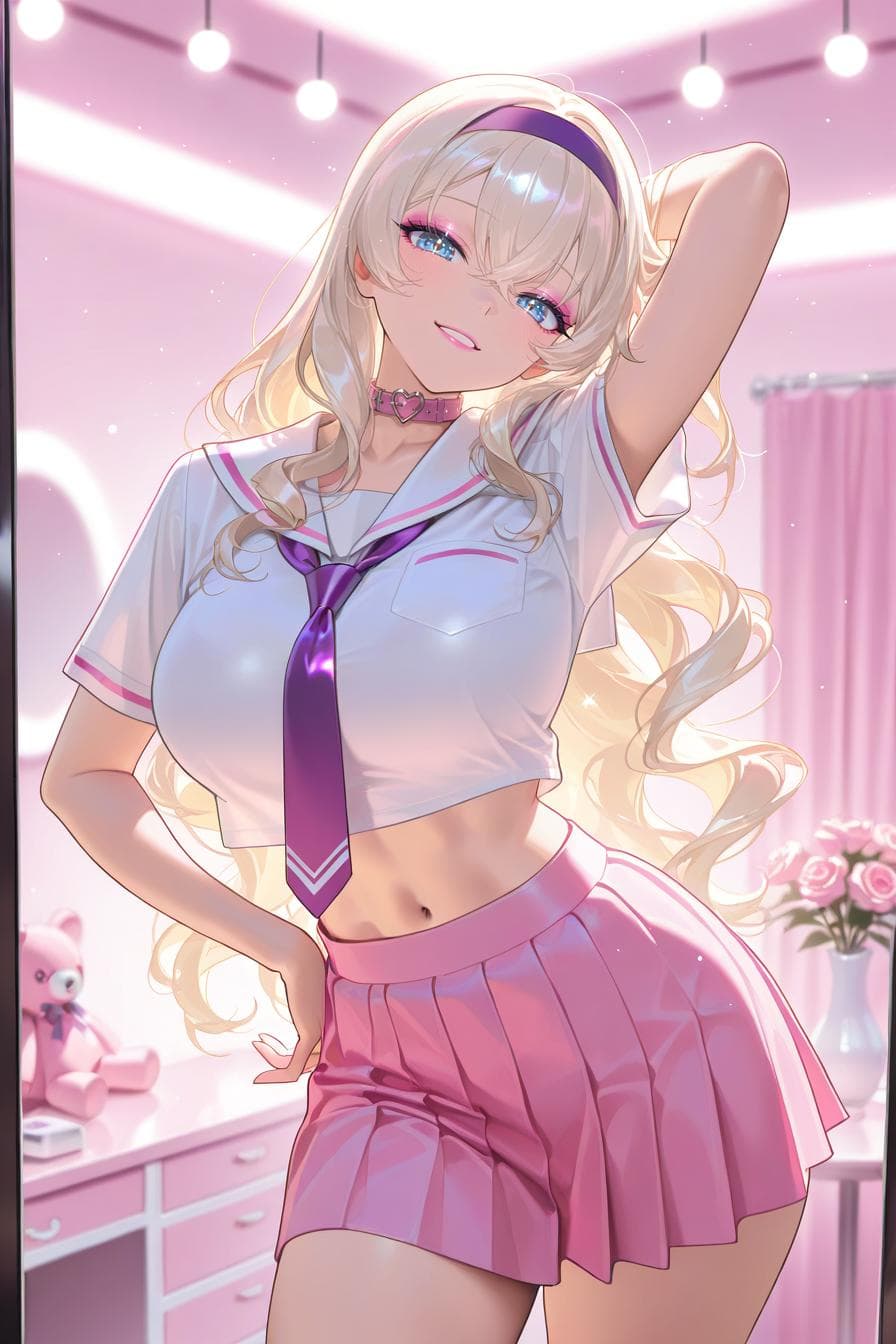
Anime-style AI character from the Cherry AI public image feed

Soft studio portrait

A warm studio portrait of an original character, soft window light, natural expression, detailed eyes, clean background

Good when the goal is a friendly profile image or companion concept.

Realistic AI character portrait from the Cherry AI public image feed

Cinematic profile image

A cinematic character portrait with dramatic side lighting, textured jacket, confident pose, shallow depth of field

Use this shape when you want stronger mood and more visual contrast.

Photorealistic AI portrait from the Cherry AI public image feed

Stylized avatar

A stylized avatar portrait, bright color palette, clear silhouette, expressive face, polished digital art

Helpful for avatar-style results where readability matters at small sizes.

FAQ

What should I include in an AI character portrait prompt?

Include the subject, expression, pose, lighting, background, and art style. Add important traits early so the generator has a clear visual target.

Can I use character portraits for companion concepts?

Yes. Character portrait prompts are useful for planning avatars and visual direction before you create or chat with a companion.

How do I improve portrait consistency?

Keep core traits stable across prompts, then change one or two details at a time so each iteration has a clear job.