Cherry AI curated generator

Anime art generator on Cherry AI

Use Cherry AI anime art generators for illustrated characters, expressive poses, stylized outfits, and scene ideas with prompt examples you can adapt.
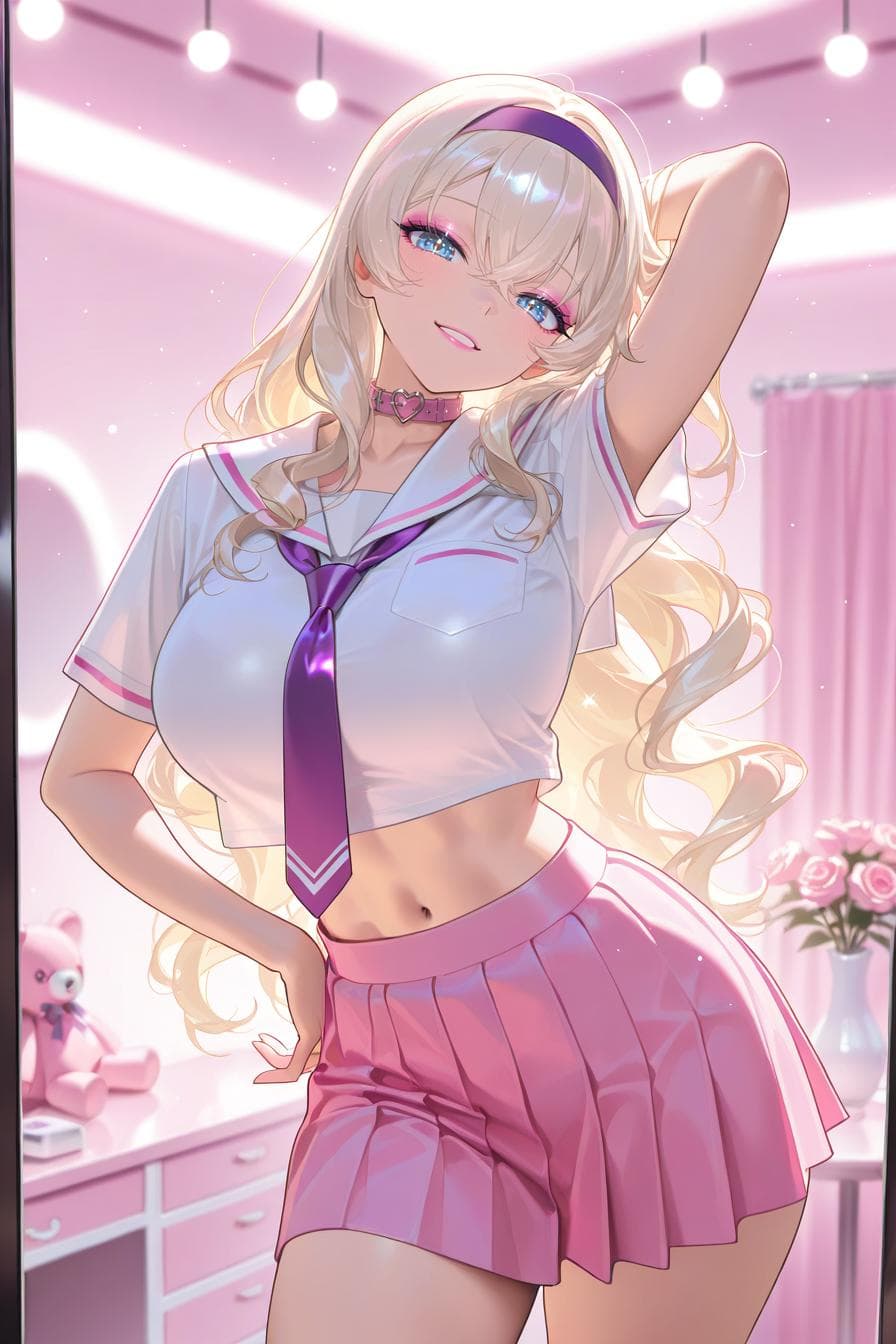
Anime-style AI character from the Cherry AI public image feed
A popular anime-style character image from the public feed.

Best for

  • Best for anime-inspired character art, stylized avatars, and illustrated scenes.
  • Name the character type, pose, outfit, palette, background, and rendering style.
  • Keep prompts concrete when you want the generator to preserve a specific look.
Prompt examples

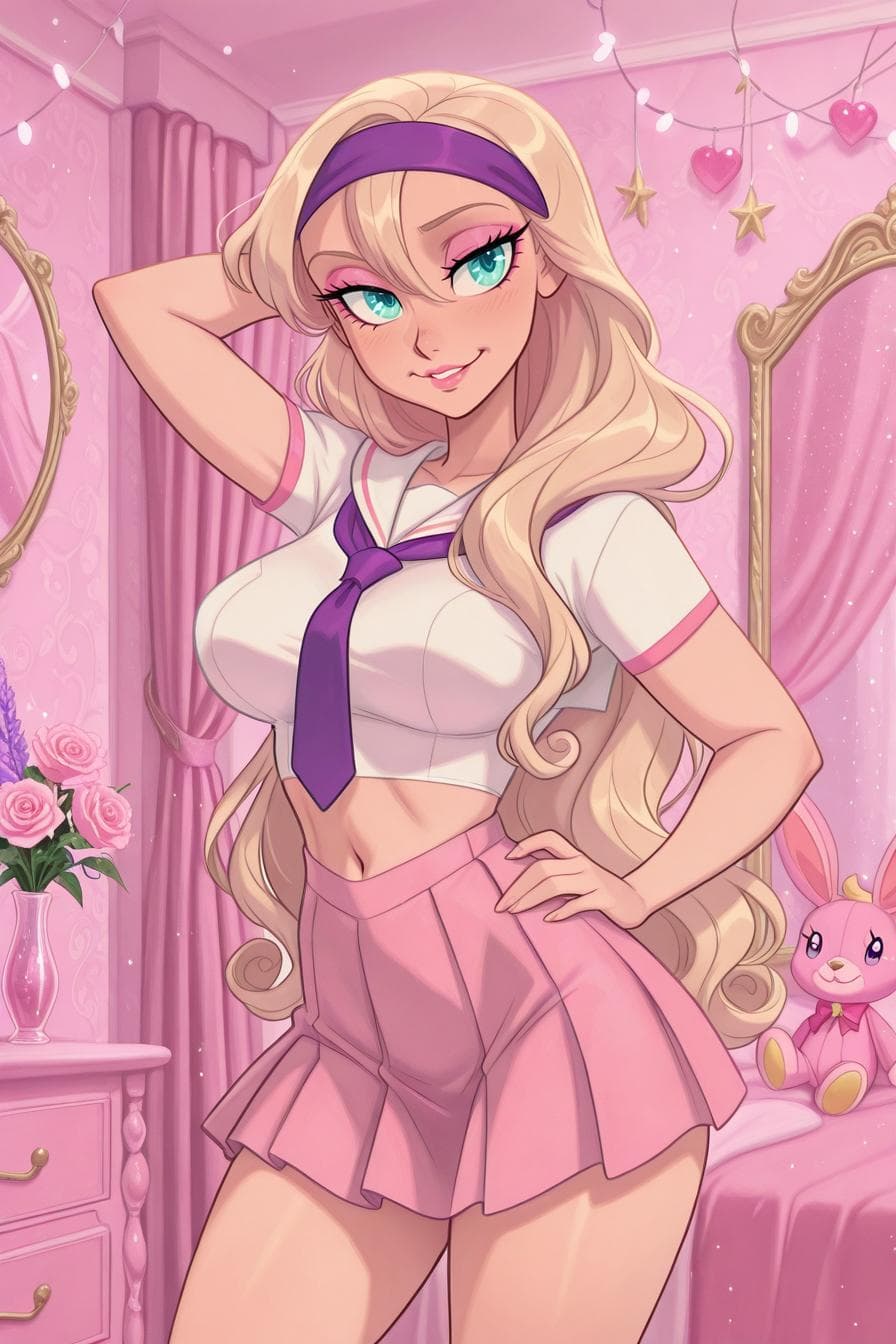
Animated character style from the Cherry AI public image feed

Bright character illustration

An anime-style character illustration, energetic pose, bright jacket, city background, clean linework, soft shading

Good for expressive character ideas with a clear modern setting.

Realistic AI character portrait from the Cherry AI public image feed

Fantasy anime scene

An anime fantasy traveler standing near a glowing forest path, detailed cloak, twilight colors, painterly background

Use when the scene and character should feel connected.

Photorealistic AI portrait from the Cherry AI public image feed

Simple avatar art

A polished anime avatar, head-and-shoulders framing, pastel palette, simple background, expressive eyes

Useful when the output needs to stay readable as a profile image.

FAQ

How do I prompt an anime art generator?

Start with the character, then add pose, clothing, expression, background, palette, and rendering style. Keep the most important details near the beginning.

Can anime generators create both portraits and scenes?

Yes. Use tighter framing for portraits and add location, lighting, and action details when you want a fuller scene.

Why does my anime prompt change styles?

Style can drift when the prompt asks for conflicting looks. Keep the art direction consistent and adjust one visual dimension at a time.